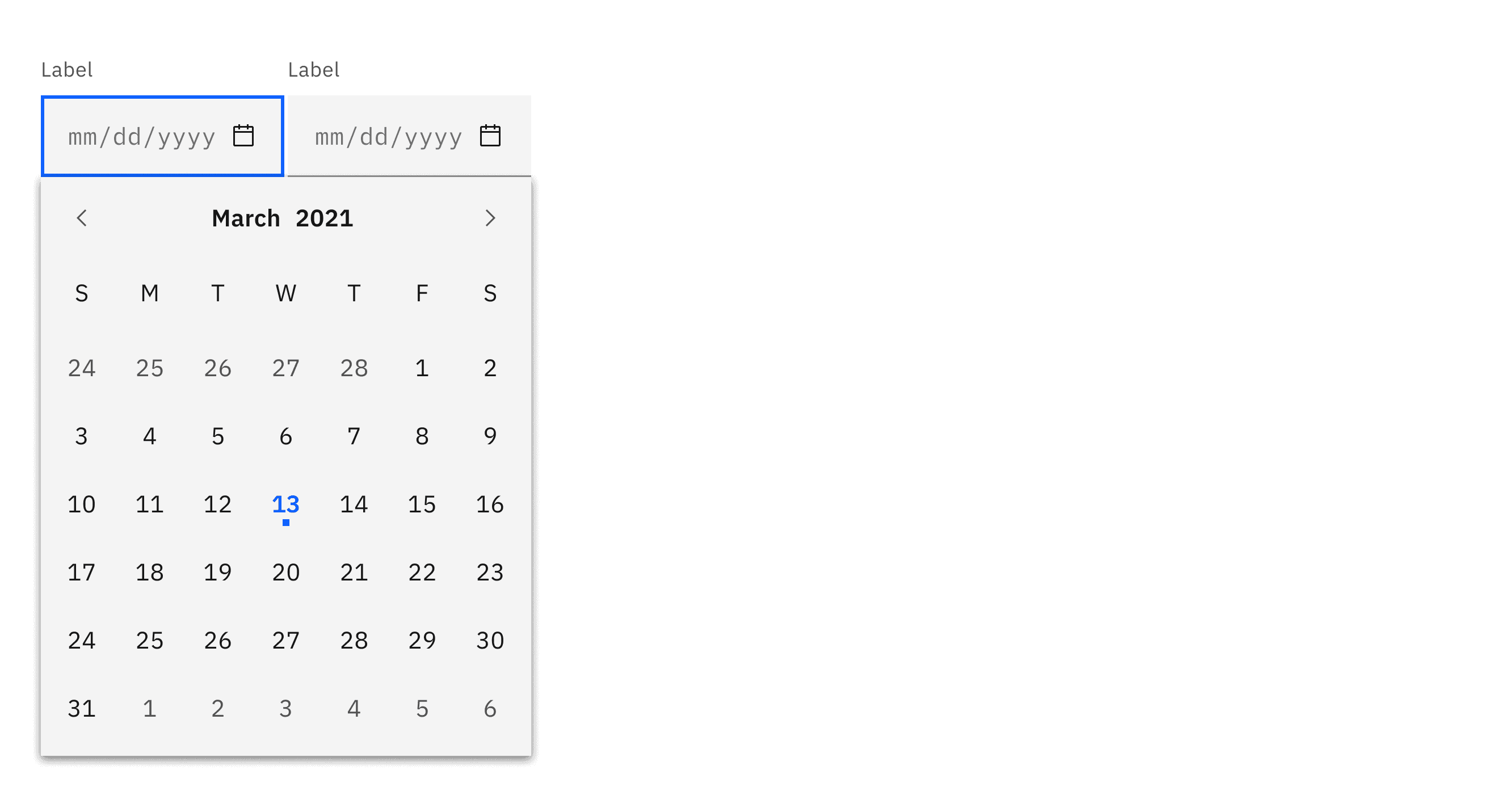
What is Date Picker
In a design system, a Date Picker is a standardized, reusable user interface (UI) component that allows users to select a date (and sometimes time) either by interacting with a visual calendar or by entering text in a specified format. It is a critical part of the design system, ensuring consistency, usability, and accessibility across applications and platforms where date inputs are required.
Anatomy Date Picker
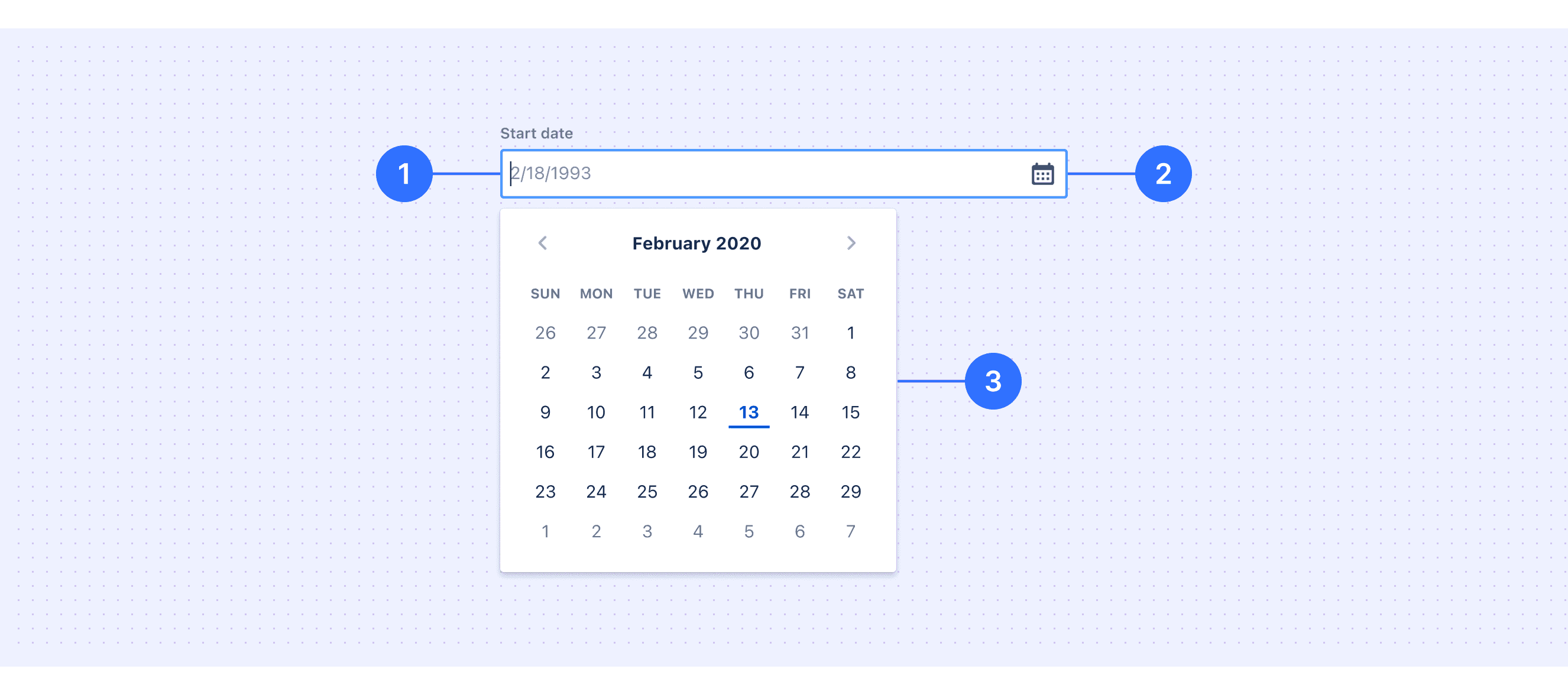
Label: Indicates what information the user needs to input.
Date Input Field: Allows users to manually input a date or open the calendar component for selection.
Calendar Component: Provides a visual interface for users to select a date.
Core features
Configurability: Support for different date formats (e.g., YYYY-MM-DD, DD/MM/YYYY, etc.), automatically adjusting based on regional needs.
Granularity Selection: Support for selecting by day, week, month, or year, depending on the use case.
Input Field Integration: Support for manual input, automatic formatting, and validation.
Responsive Design: Adaptation for small screens, providing touch-friendly controls (e.g., larger clickable areas).
Comparison of Usage in Popular Design Systems
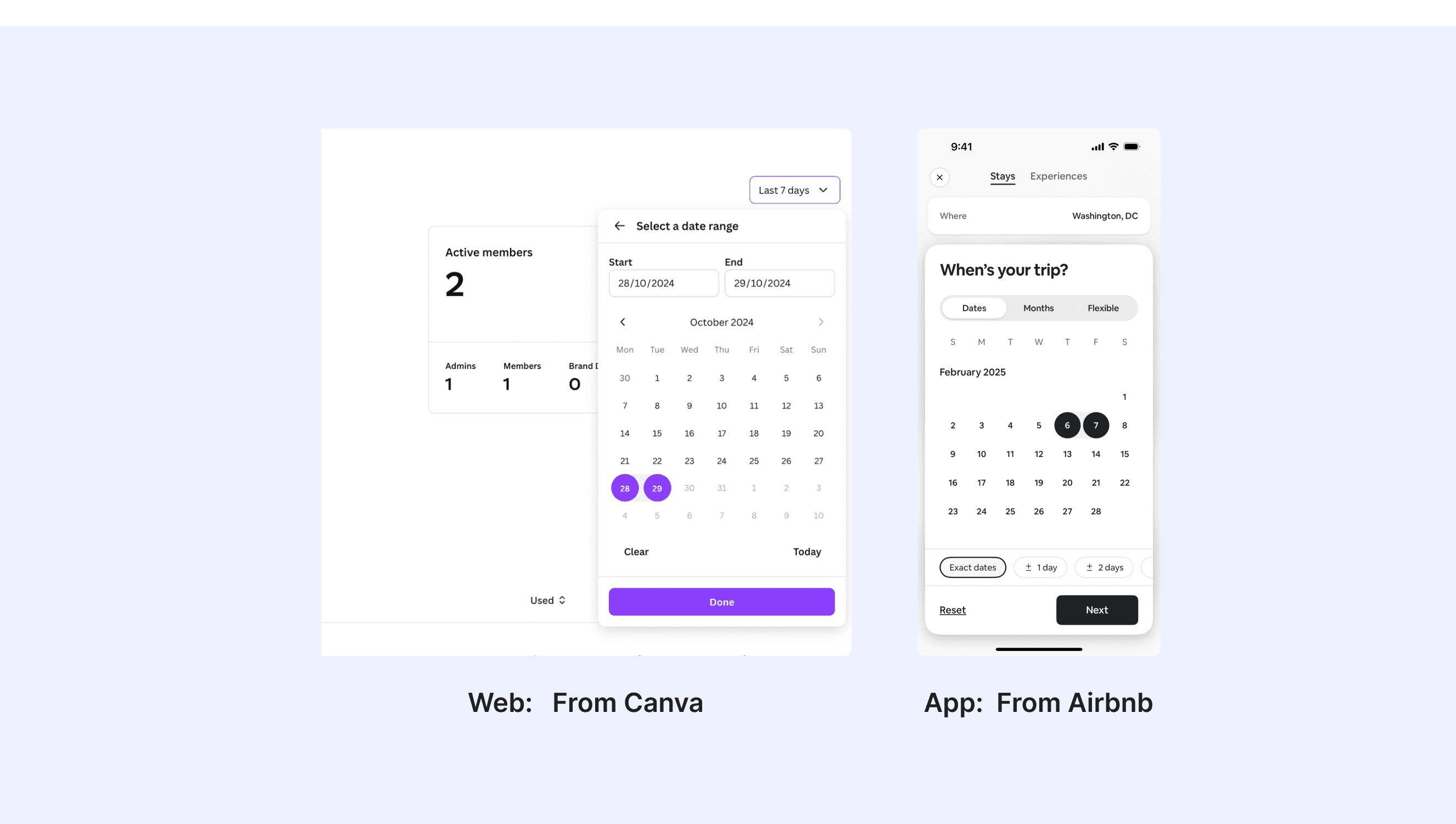
Now, let's look at how some well-known design systems define and implement date pickers:
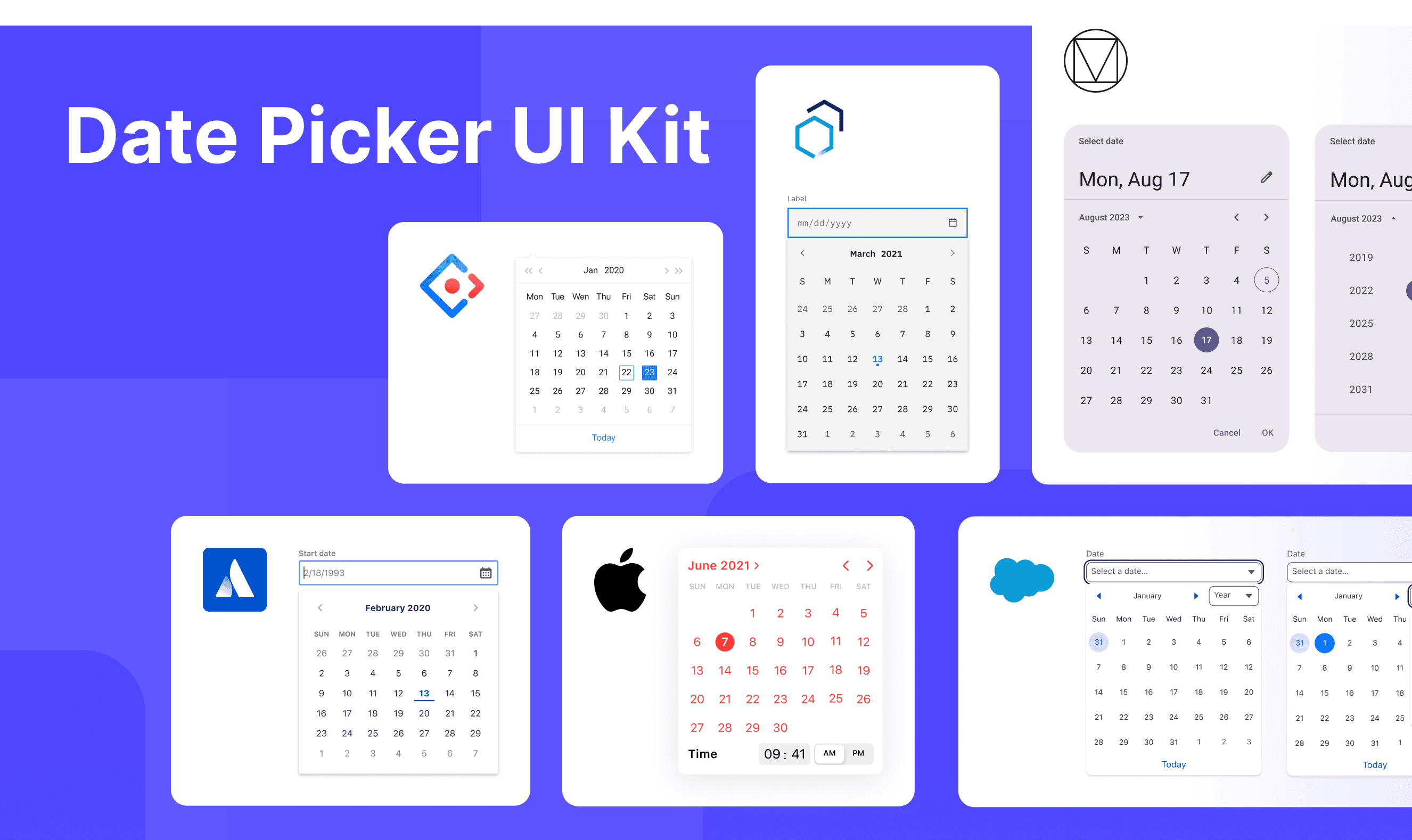
Learn how date pickers work in different design systems like Atlassian Design, HIG Design, and Ant Design. Check their features and rules, such as types and interaction mode, to find the best fit for your project.
Default Styles
Enumerates the default appearances of date pickers across various design systems, highlighting their visual characteristics and usability.
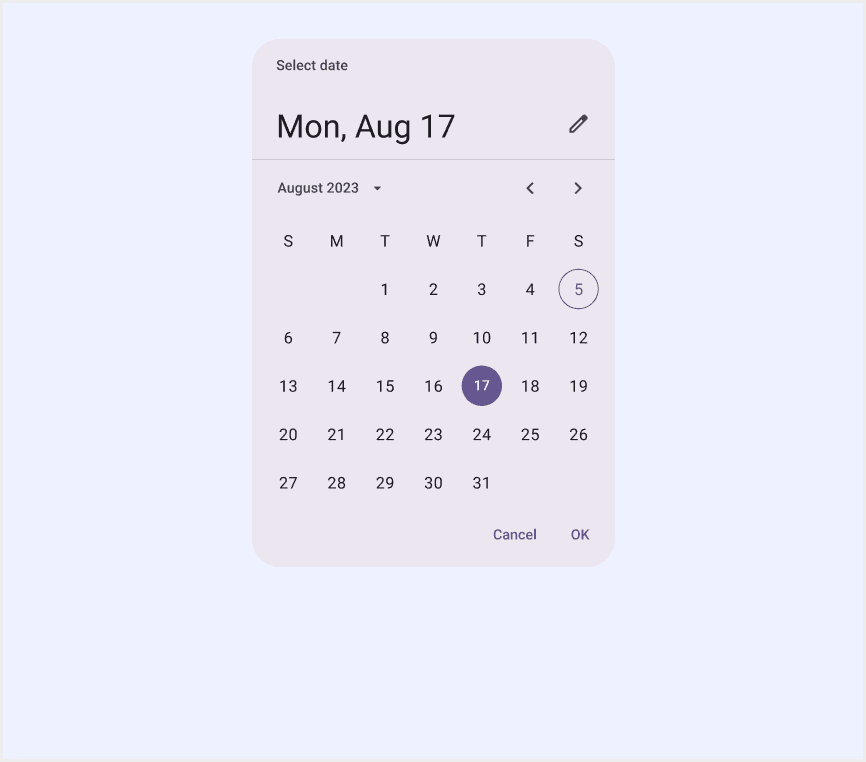
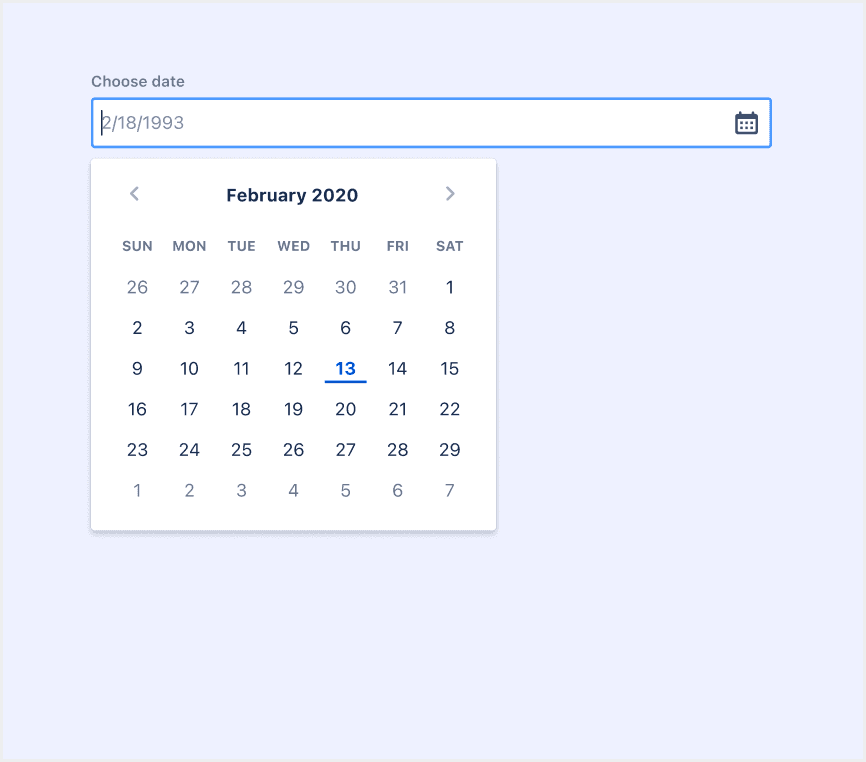
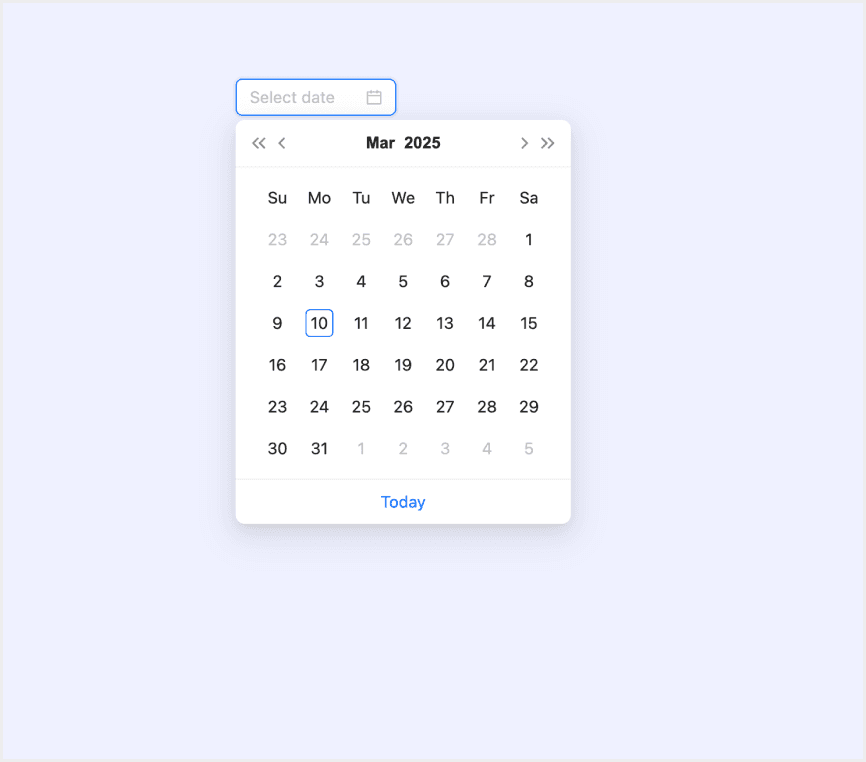
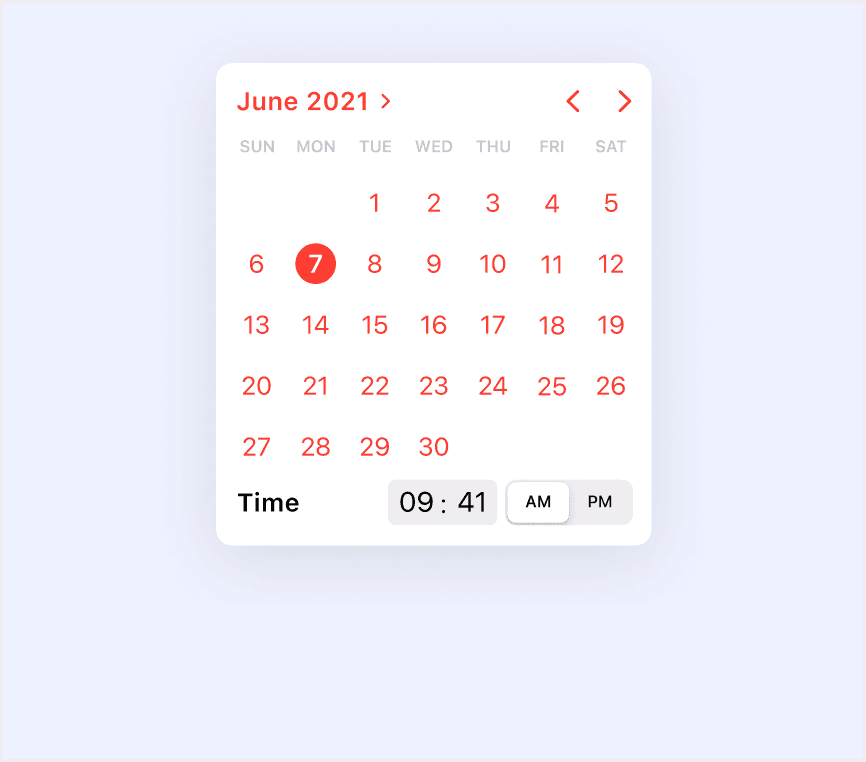
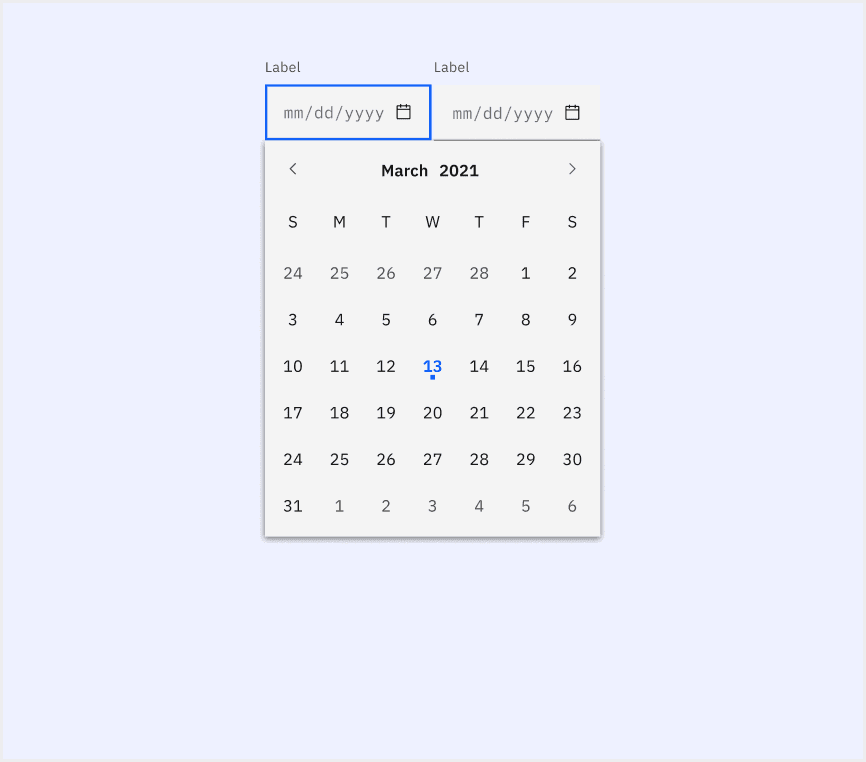
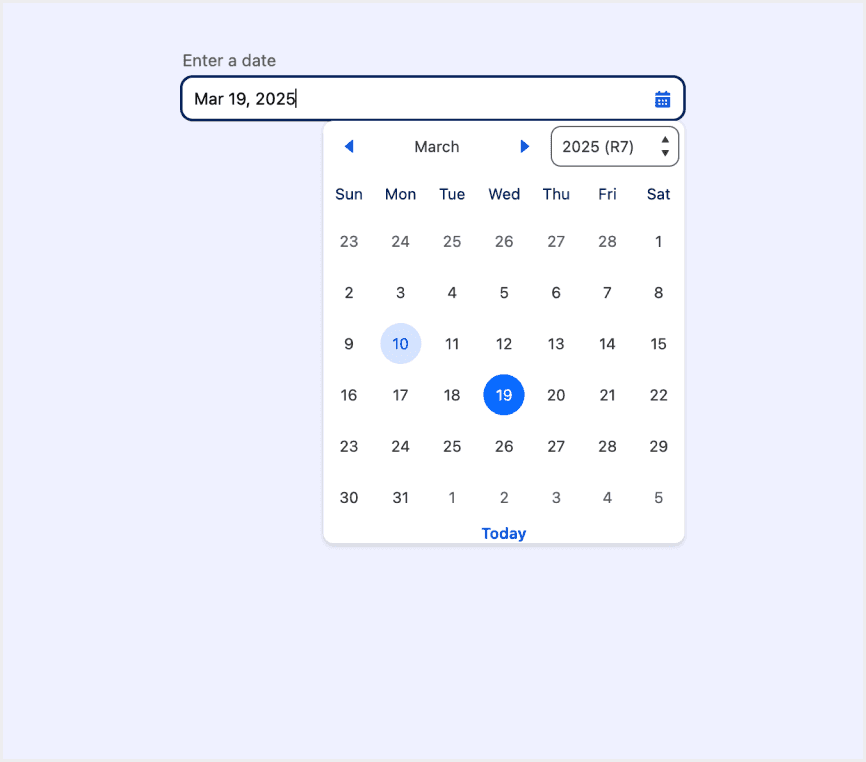
Features comparison in Design Systems
Comparing date pickers in Material, Atlassian, Ant, HIG, Carbon, Lightning design shows differences in types and content structure.
Design System
Defines
Types
Interaction Mode
Date pickers let people select a date, or a range of dates.
Day selection
Month selection
Year selection
Date range selection
Click to select a single day, month, or year
Support manual date input
Support keyboard navigation
A date picker allows the user to select a particular date.
Day selection
Click to select a single day
Support keyboard navigation
To select or input a date.
Select date
Select week
Select month
Select quarter
Select year
Range Picker
Multiple selections
Click to select a single day, week, month, quarter, or year
Support manual date input
Support date confirmation
Support keyboard navigation
A picker displays one or more scrollable lists of distinct values that people can choose from.
Day selection
Time selection
Scroll selection (iOS)
Support keyboard navigation
Date and time pickers allow users to select a single instance or range of dates and times.
Day selection
Date range selection
Click to select a single day
Support manual date input
Support keyboard navigation
The datepicker makes it easy to select dates from a calendar for date-related input fields.
Day selection
Date range selection
Time selection
Click to select a single day
Support manual date input (with format validation)
Support keyboard navigation
Special Types
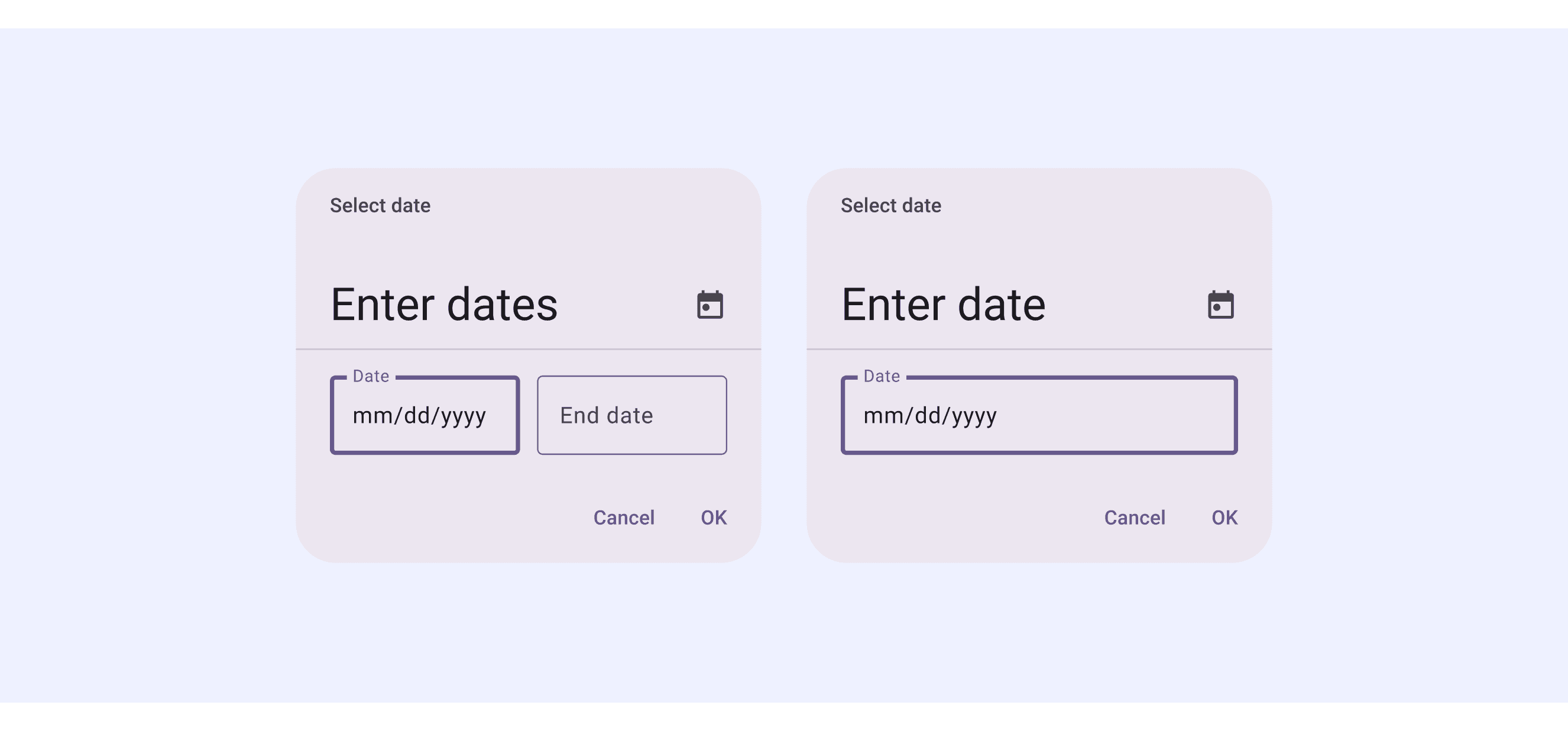
Material Design System supports “Modal date input”.
This date picker uses a modal popup design, allowing users to manually input a date in the specified format or click to select a date.
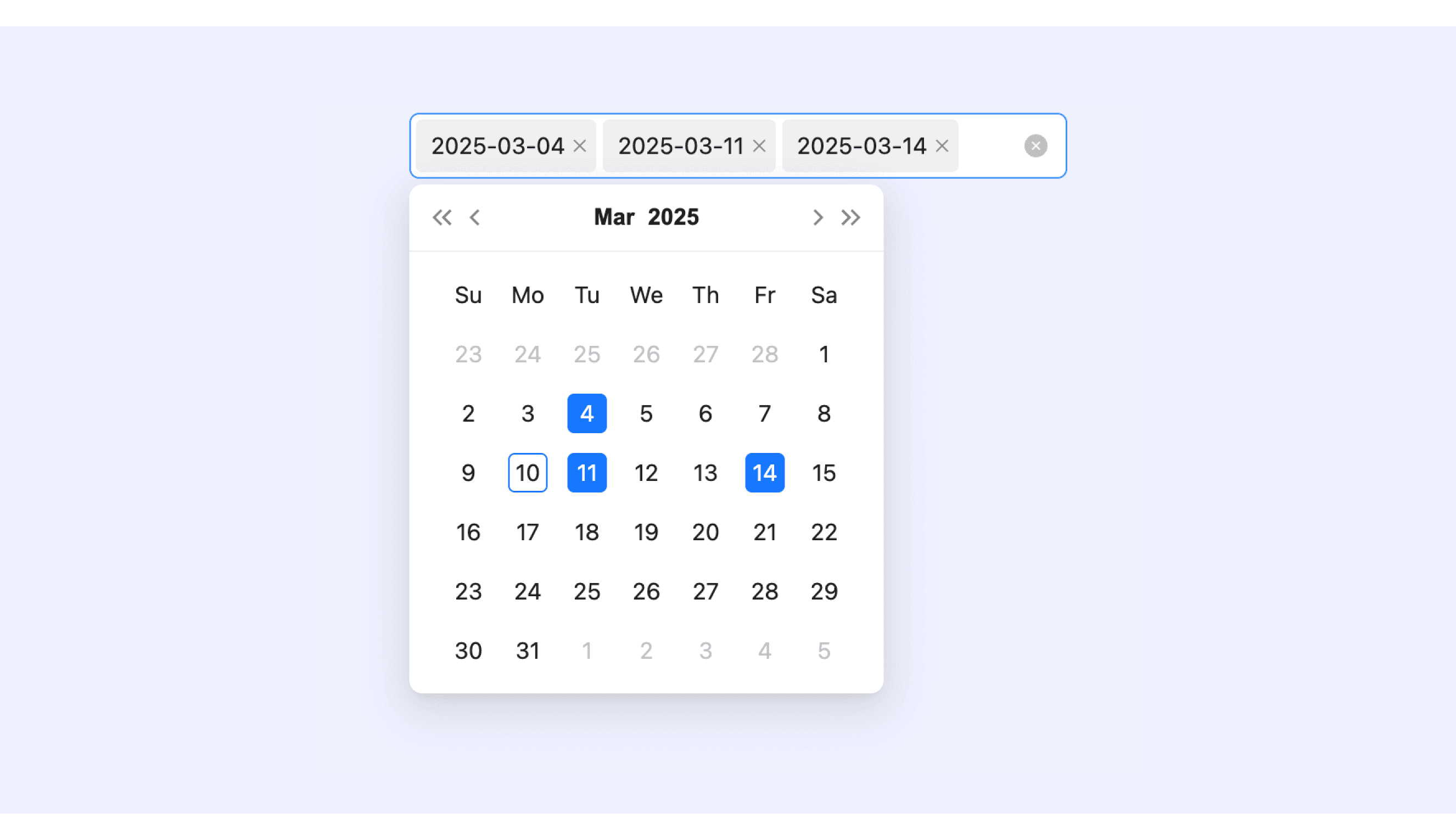
Ant Design’s date picker supports Multiple selections and Prefix and Suffix.
Supports selecting multiple dates, with the selected dates displayed as tags. Users can remove a specific date by clicking the "×" on the tag.
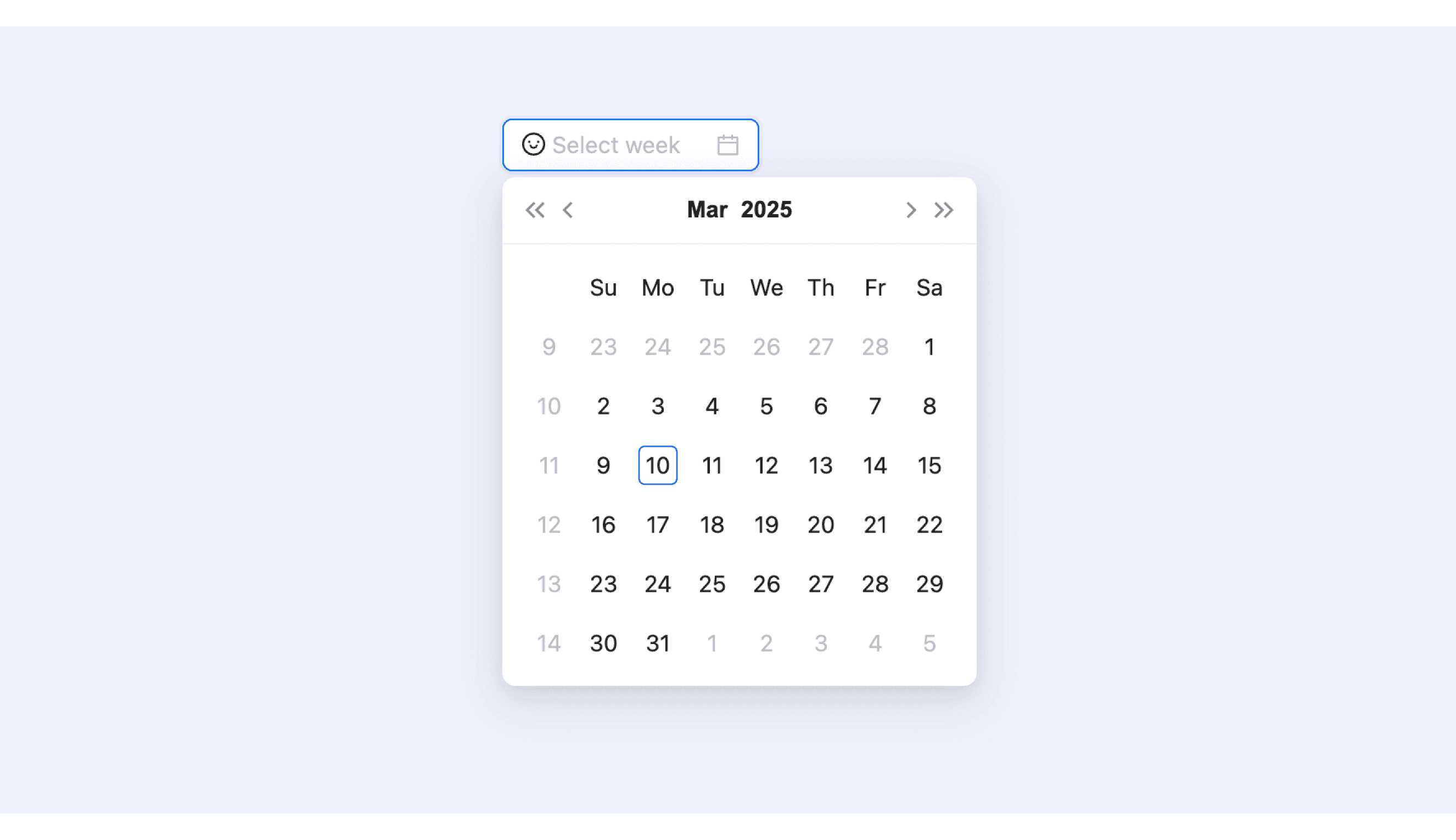
Supports adding custom icons or text before and after the date picker.
Date Picker Template for Motiff
This UIkit file combines date picker designs from Material, Atlassian, Ant, HIG, Carbon, Lightning design. It showcases their styles, usage, and customization in one place for easy exploration and selection.
6 DateTimePicker components for your web apps
Entering dates and times on websites is something we do a lot—like picking a birthday, booking a trip, or setting up a meeting. A good DateTimePicker makes this super easy and helps avoid mistakes, which are adapted from a vaadin discussion.
Flatpickr: A lightweight, modular, and highly customizable date picker that is compatible with Angular, Ember, React, and Vue. Ideal for simple web forms and dashboards.
React DateTimePicker: Designed specifically for React applications, it offers comprehensive date and time selection functionality. It supports custom styling and provides desktop, mobile, and responsive variants.
jQuery Date and Time Picker: A classic date and time picker widely used in jQuery projects. It features a rich set of themes and configuration options.
Ant Design DatePicker: Supports both date and time selection. It is tailored for projects using the Ant Design ecosystem, especially large-scale enterprise applications.
Bulma Calendar: Based on the Bulma CSS framework, it is suitable for smaller applications or projects prioritizing a visually cohesive and clean interface.
Vaadin DateTimePicker: Comes with built-in support for various formats and locales. It offers both Java and JavaScript versions, allowing users to input dates via keyboard or overlay.
Accessibility in Different Design Systems
Common Practices
Keyboard Navigation: Allow users to navigate and select dates using the keyboard (e.g., arrow keys to move between dates).
Screen Reader Support: Ensure date pickers are compatible with screen readers by providing clear labels, descriptions, and ARIA attributes.
Localization and Time Zones: Support different date formats, languages, and time zones for global accessibility.
Error Prevention: Provide feedback or validation to prevent users from selecting invalid dates (e.g., past dates for future events).
Differences Practices
Material Design 3: Supports various styles of components, including Modal Date Picker and Input Date Picker.
Atlassian Design: Separates date and time pickers and supports disabling specific dates.
Ant Design: Offers multiple style variants, including year, month, day, and quarter pickers.
Apple HIG: Deeply integrated with the system calendar and supports marking holidays.
Carbon Design: Supports date range validation and provides error state feedback.
Lightning Design: Binds with Salesforce data and supports automatic format validation (e.g., MM/DD/YYYY).
Code Examples
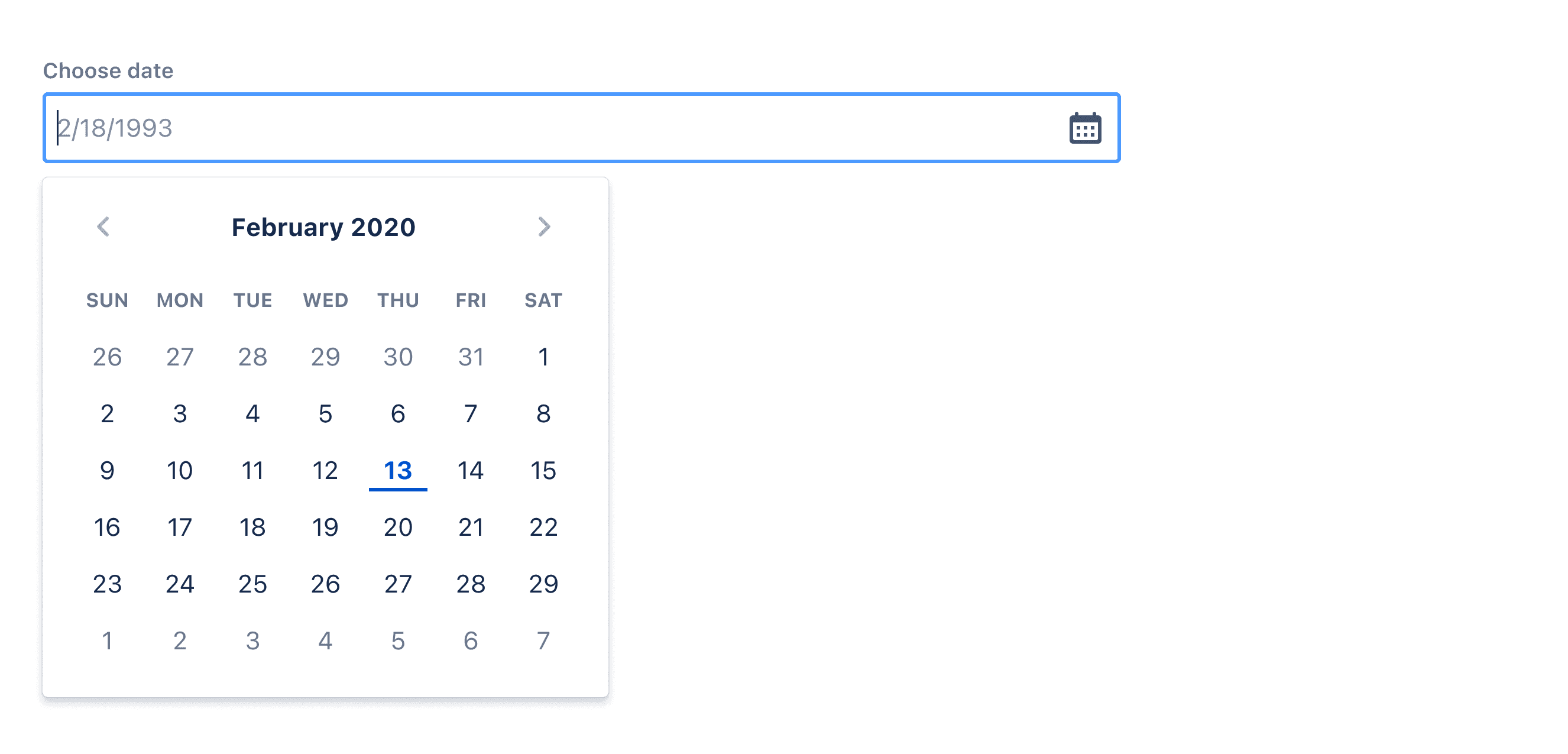
Explore default date picker implementations in Atlassian, Ant and Carbon design. These examples showcase standard usage, default settings, and core features across design systems.
Atlassian Design
Ant Design

Carbon Design